my experience with using mobile suica on a google pixel
Oct 14, 2026, by satoscio
An interesting, but uncomfortable experience.
In this blog post I wanted to talk about the times I tried LARPing as a Japanese local by modding my previous phone, an US model Google Pixel 6 Pro in order to allow using FeliCa features such as mobile Suica.
Despite this, I’ve always preferred using physical IC cards.
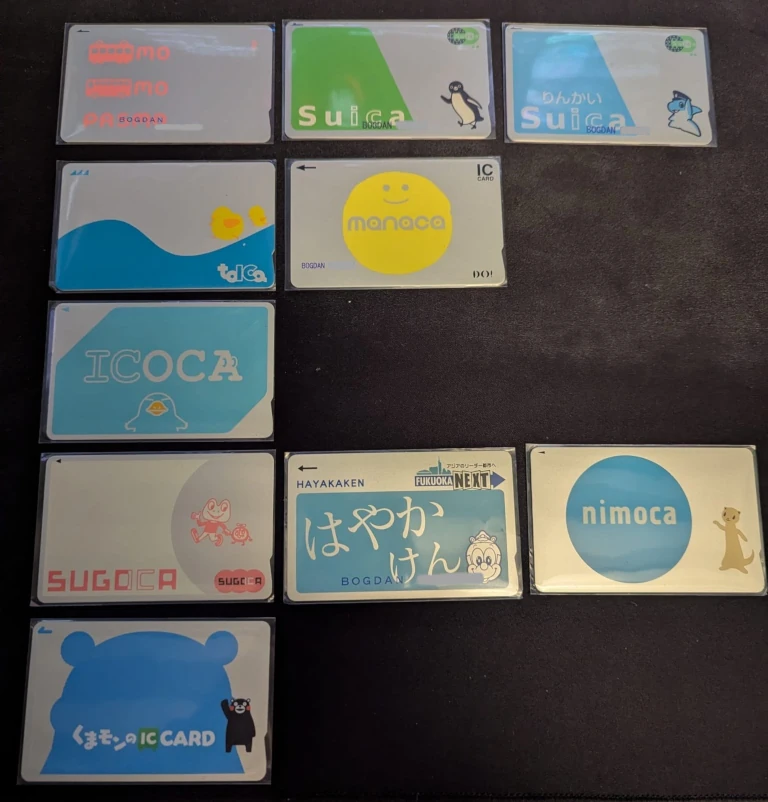
My IC card collection as of writing this post
what is FeliCa?
FeliCa is a Japanese RFID contactless smart card standard developed by Sony, which charges a good amount of money to licence its hardware
All Google Pixels have FeliCa hardware, their usage is only restricted by the phone’s SKU, which is usually one of these three:
- US (because of 5G mmWave hardware)
- Japan
- International
Due to licencing costs, only the Japanese SKU is able to make use of its FeliCa hardware, while others still have it but disabled.
the trick
So, how do you trick the phone into using that hardware?
Simple:
- Unlock the bootloader (it will factory reset the phone)
- Root
- Use a hex editor to edit
devinfo.img, the firmware file which contains the phone’s SKU - Lock the bootloader, which triggers another factory reset
- Install a few APKs to enable Osaifu-Keitai services
- Done!
Luckily, Pixel phones are perfectly fine after locking the bootloader again, so you will not lose any contactless payment functionality.
After that, you can just open the Google Wallet app and add either a Suica or a Pasmo, the latter won’t ask for a Japanese phone number, so that’s the most “gaijin-friendly” option.
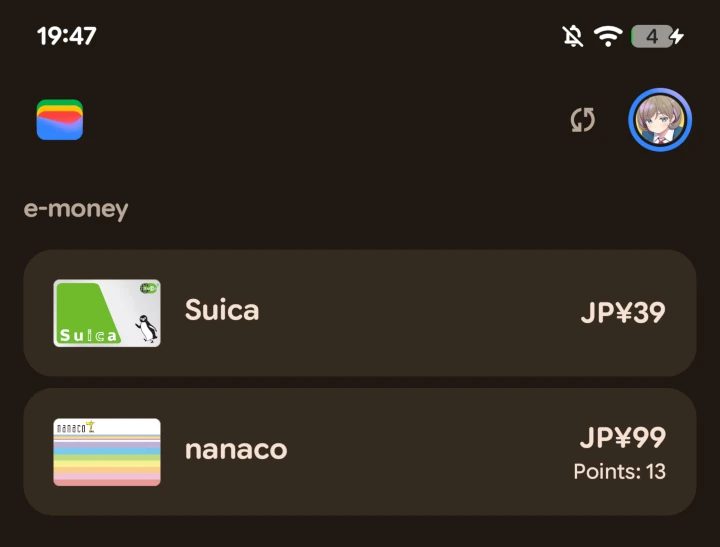
My Pixel’s Google Wallet with a Suica and a Nanaco added
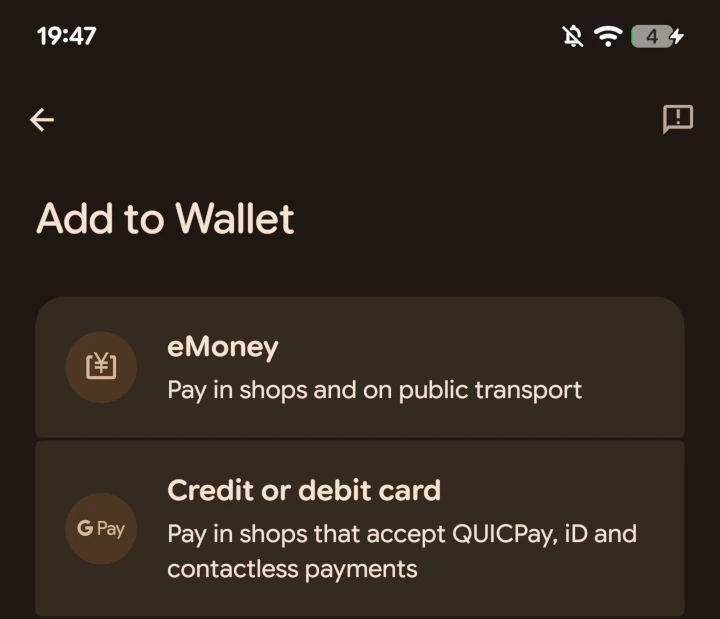
The Japanese SKU adds an option to add eMoney cards and changes a few lines of text regarding credit cards
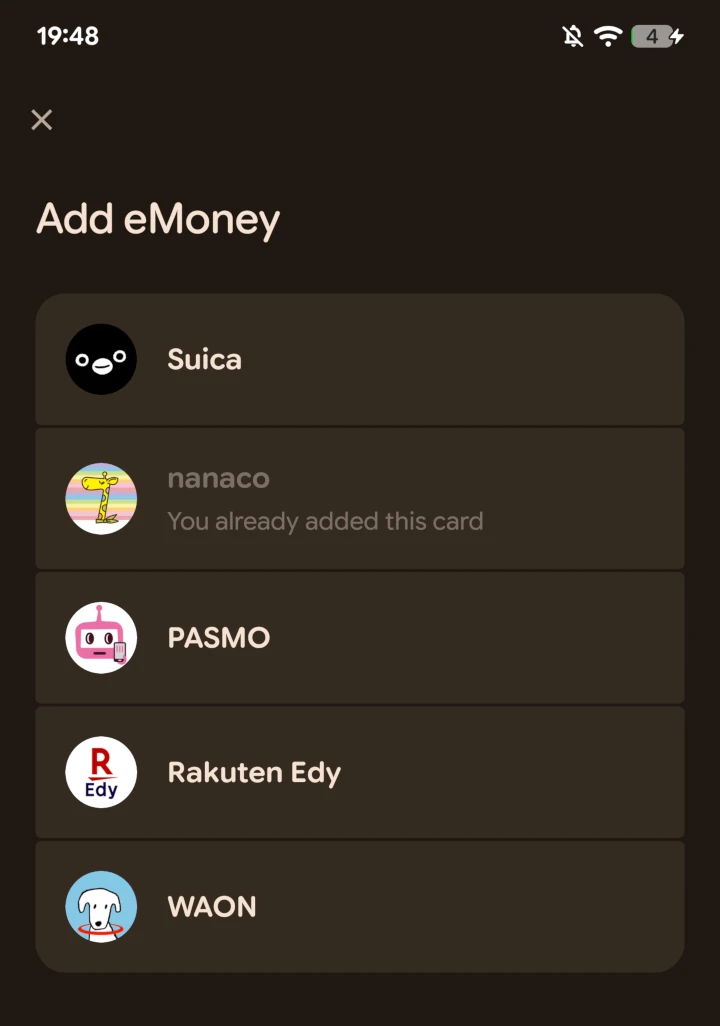
Available eMoney cards in Google Wallet
the problem
“Yay, I finally have a mobile Suica or Pasmo! How do I top it up now?”
That’s the neat part, you don’t! Neither the Tokyo Metropolitan Government nor JR East want your gaijin money.
Meaning: foreign cards are not accepted, except if you have an American Express, in that case you’re good to go.
“Damn, so I factory reset my phone for nothing?”
No! Actually there is a way to top-up your cards: you just physically put them in ticket machines that have a tray large enough to fit your phone:
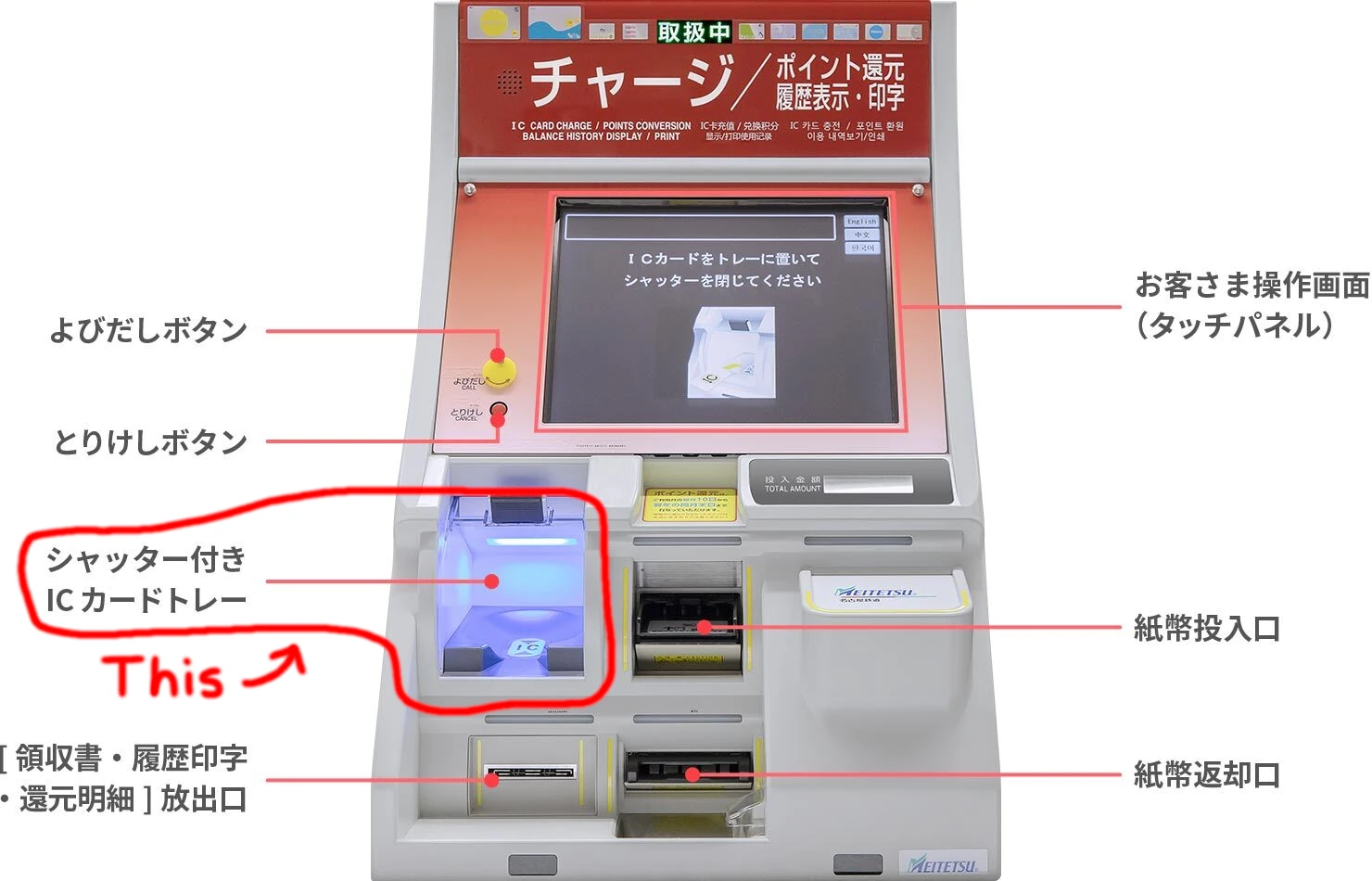
Picture from meitetsu.co.jp
You can also top up your cards at Seven Bank ATMs, which can be found in every 7-Eleven konbini. This one also works for cards such as the Nanaco.
the drawbacks
I’ve already told you you need an American Express card in order to top it up from the Google Wallet app, but there’s also another fun quirk: you can not disable the camera shutter sound anymore.
We all know why this is a thing :)
should you do it too?
Honestly? Not worth it.
“So you even told me how to do it, yet you don’t recommend it? Come on man.”
This was probably more useful back in 2023 when physical IC cards were difficult to find. But now? It’s way more comfortable having your card hang from your bag or belt in a pass case with an extensible cord.
Well, I’m not telling you not to do it, but do take note of the drawbacks and the fact there are probably more comfortable alternatives.